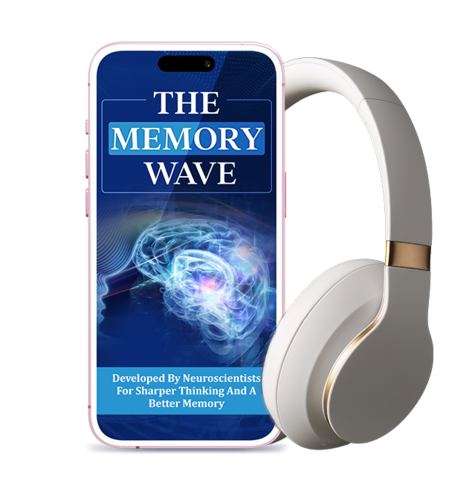
Getting started with digital audio
How to Use The Memory Wave
A good listening routine starts with understanding the seller’s instructions, choosing a comfortable setting and using sensible volume levels. The guide below covers practical preparation; always follow the current instructions provided with your purchase if they differ.
1. Confirm Your Access Details
After purchasing, check the order confirmation for the access link, delivery instructions and support details. Follow the seller’s steps to open or download the audio. Keep the confirmation email in a safe place in case you need to retrieve access information later.
2. Choose a Suitable Device
Use a phone, tablet or computer that can play the supplied audio format. Check that the device has enough battery and that the volume controls work properly. If the seller specifies a file type or application, follow those instructions rather than assuming every player will work.
3. Prepare a Comfortable Listening Space
Choose a calm place where you can sit comfortably and listen without interruption. Avoid situations where you need full attention for safety, including driving, cycling in traffic or operating equipment. If you are listening in a shared space, use a volume that is considerate of others.
4. Use a Sensible Volume
Keep the volume at a comfortable level. Louder sound is not a shortcut to a better result and may cause hearing discomfort. If you use headphones, make sure they fit comfortably and take a break if your ears feel tired or irritated.
5. Follow the Seller’s Listening Instructions
Use the session length and schedule described in the product instructions. Do not invent a longer routine or assume that more listening is better. If the seller does not explain how often to listen or how long a session should last, ask customer support for clarification.
6. Pay Attention to Comfort
Stop playback if you experience headache, dizziness, anxiety, discomfort or hearing irritation. If symptoms continue or concern you, seek appropriate professional advice. People with hearing sensitivities or neurological conditions may wish to discuss the audio with a qualified clinician before use.
7. Keep Expectations Realistic
Treat the program as digital audio content, not as a substitute for sleep, healthy routines or professional care. Do not rely on it to diagnose, prevent or treat memory difficulties. If you notice new or worsening cognitive symptoms, speak with a healthcare professional.
Quick Listening Checklist
Before starting a session, make sure the audio is playing correctly and that you can stop it easily. Keep the device at a comfortable volume and choose a time when you can listen safely.
Use the seller’s official access instructions.
Choose a compatible phone, tablet or computer.
Listen in a safe, comfortable environment.
Keep volume moderate and stop if discomfort occurs.
Contact the seller if access or instructions are unclear.
THE MEMORY WAVE
Review the current product details
Check the product description, digital access details, final checkout total and written guarantee terms before ordering.